Your rates. Your timing.
Set a price per rental period, with minimum and maximum durations.
Your items, bookings, and rental details. All in SRVZr.
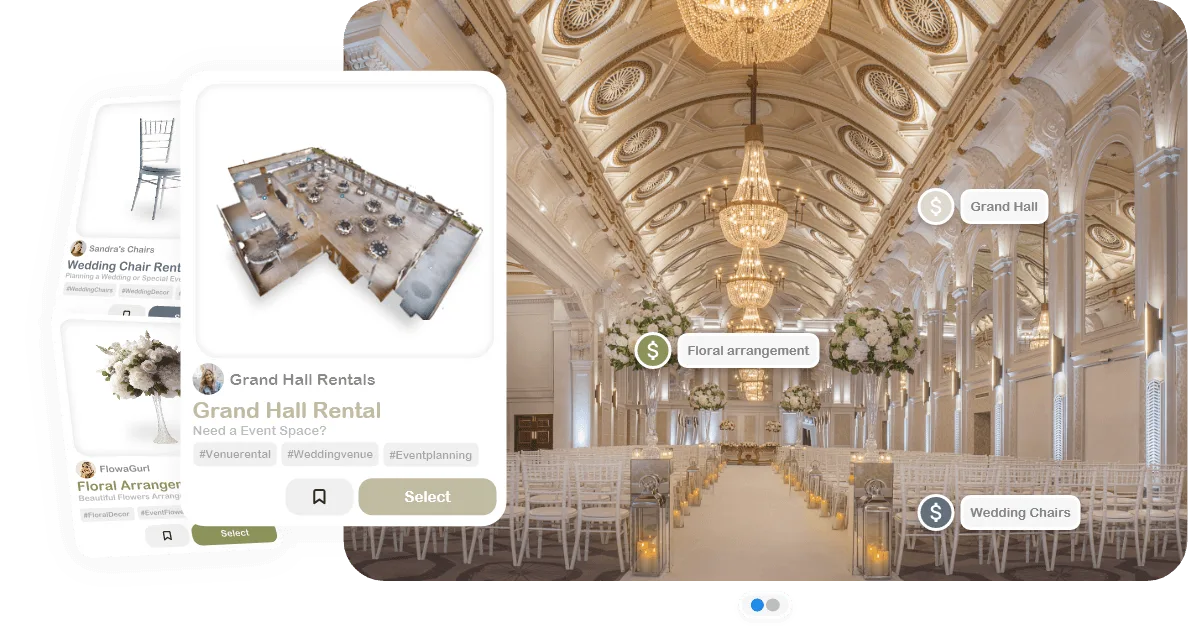
Tools for the way you rent.
Set a price per rental period, with minimum and maximum durations.
Set inventory quantities and give each item its own photos, description, and tags.
Save a pickup name and address so customers know where to go.
Add care instructions and rental rules to each listing.
Connect a work order form to collect the information each rental needs.
View rental dates on your calendar and track requests through completion.
Open a rental to see its work orders, customer details, dates, and status. Switch to the calendar when you need the bigger picture.
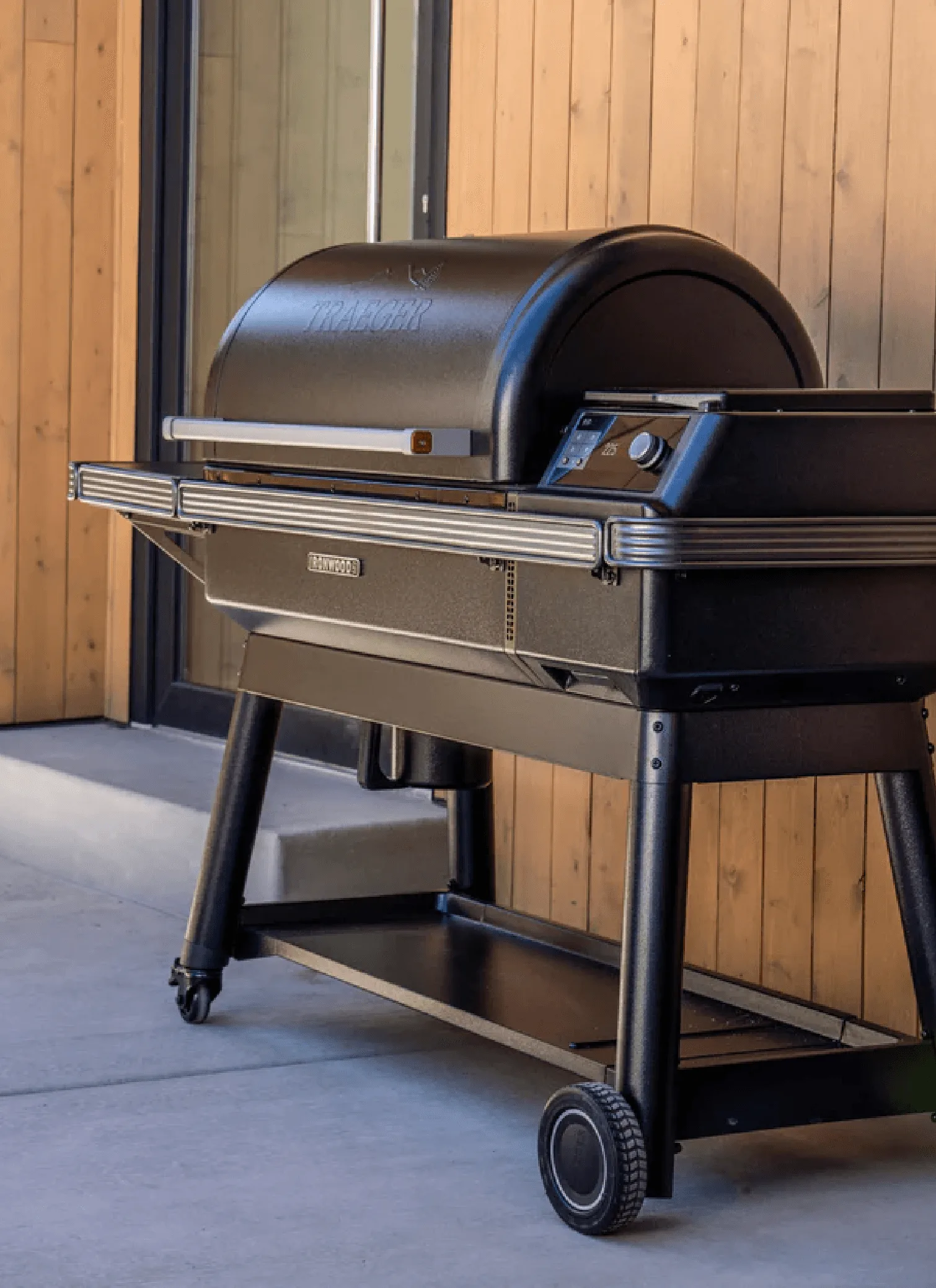
Weekend booking
Create rental listings, set prices and rental periods, collect booking details, and manage work orders.
Yes. Set inventory counts, add item photos and tags, and manage rental bookings from the dashboard and calendar.
SRVZr pricing is shown in CAD where applicable.