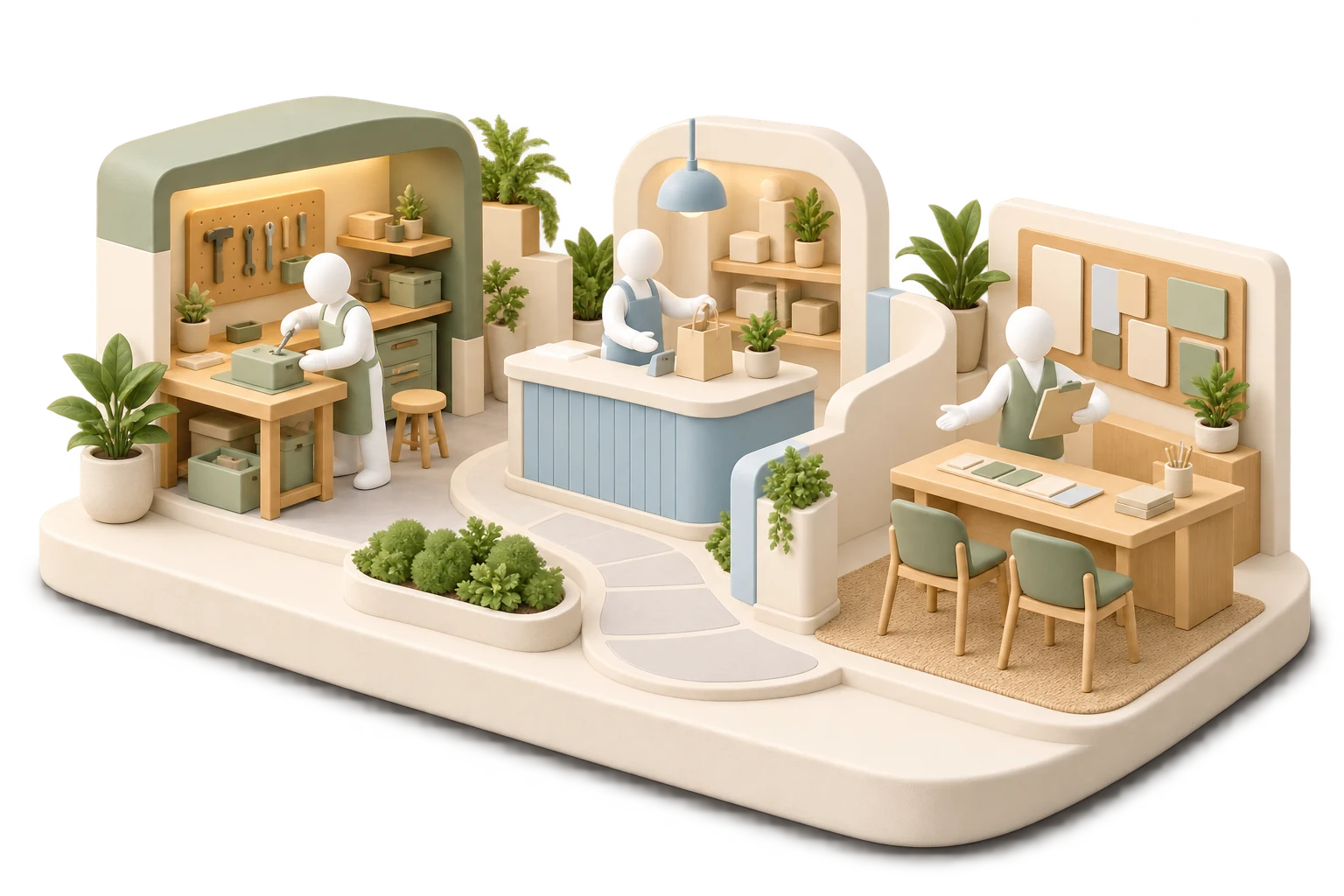
Bring robots into the operation.
SRVZr connects robot management with the business around a task. Servos represent connected robots; Stints describe robot-related work. Remote operation and policy tools support the supported devices and workflows available to your account.
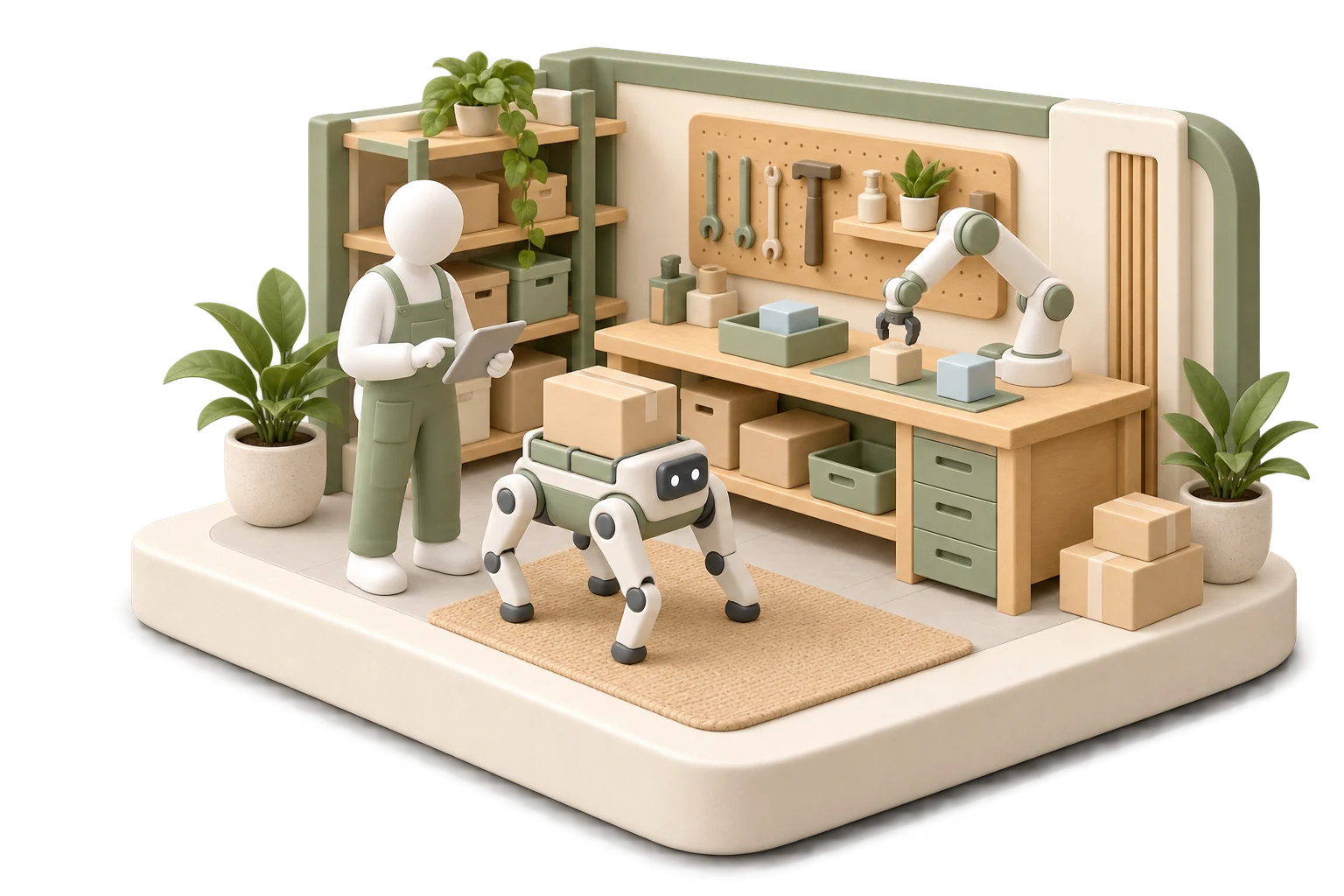
Prepare a task around the actual robot.
An operator reviews a connected Servo, the task details, and the available controls. The team checks the location, connection, and device capabilities before attempting the work. A business workflow does not replace those physical checks.
Keep the robot and the job distinct.
The Servo record describes the robot. A Stint and its work order describe the task and its context. Keeping those concepts separate helps you understand the device being used and the work expected from it.
Keep connected units visible to the operator.
Review the registered robot units and their connection states. Device capabilities and remote-operation setup depend on the unit.
SRVZr · Example dataUse the controls the device actually supports.
Remote-operation capabilities depend on the robot, connection, permissions, and software setup. Inspect the available state and controls before operating. A connected record alone does not establish that a robot can complete a particular physical task.
- Verify the intended robot and its connection state.
- Review the task, location, and operator access.
- Test the supported control path before committing to fulfillment.
See the commitments around the work.
The calendar puts workshops, consultations, sessions, and preparation time into a shared view of the week.
SRVZr · Example dataDevelop policies with a clear test path.
Policy and simulation tools support robotics development alongside operations. Simulation results, remote control, and autonomous physical execution are different kinds of evidence. Review the relevant device and task before promising an autonomous outcome.
Give an agent a useful job.
Choose a task template or write your own instructions. Assign a morning briefing, inbox review, or weekly business summary on a schedule.
SRVZr · Example dataYour site. Your agents. Your way of working.
Build a website that explains the robot-supported service you offer and leads customers to an appropriate inquiry flow in Sites. Your site is yours to shape: customize the design, pages, and behavior by describing what you want to the AI. It works with real, editable code, so you don’t have to write it yourself. You can also inspect the files and download the project as a ZIP.
Give an agent a practical job: prepare the day’s work-order and calendar briefing, including jobs your team has marked for robot-supported delivery. Start with a template or describe the task, then choose a schedule or supported trigger. It uses the connected business tools and records available to it, so agents can help coordinate the records around the operation while device actions use their configured controls. Review the result and proposed changes, refine the instructions, or pause the agent whenever you need.
Build around a useful physical task.
The purpose of a connected robot is the work it can help deliver. A ball-collection task at a tennis court or a remotely operated household task illustrates the direction: the robot, its operator where needed, and the job belong to the same operational plan.
Start from the supported task and the actual device. Human supervision and remote operation can support early delivery, while broader autonomy develops task by task. SRVZr’s role is to keep that physical work connected to the business managing it.
Common questions
What is the difference between a Servo and a Stint?
A Servo is a connected robot in the SRVZ ecosystem. A Stint is robot-related task work. The robot, task details, and supported execution path need to be configured together.
Can every robot perform every advertised task?
No. Task availability depends on the device, location, connection, permissions, and supported controls. Verify those requirements for the specific work.
Start with your next piece of work.
Choose one offer, make the site your own, and give an agent one clear task. Use the guides below to connect the pieces around the way your business works.
Open SRVZr