Rent out more. Keep the details together.
SRVZr Rentals connects the item or space you offer with its rental period, pricing, customer details, and work order. It fits businesses that want rentals to work alongside services, events, and the rest of their operations.
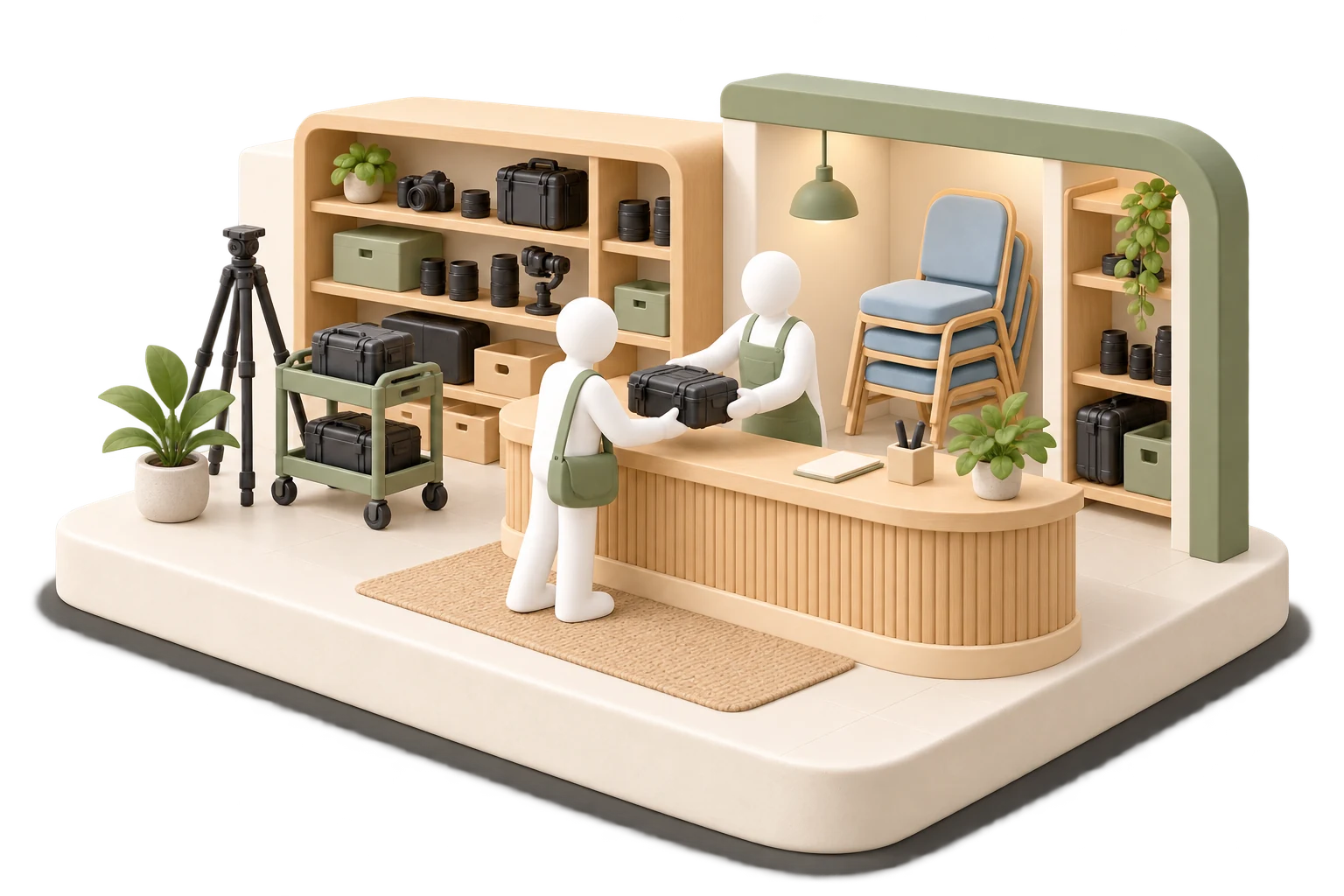
A weekend kit, ready for pickup.
A customer requests a camera kit for a weekend. Your rental listing explains what is included, your flow collects the dates and intended use, and the work order carries the pickup details and return instructions.
Describe the thing being rented.
Add a useful description, photos, quantities, and tags. A customer should understand exactly what they receive, where they collect it, and the conditions for using and returning it.
Make the rental terms clear.
Set a billing period, price, duration limits, and care or return rules before the booking reaches the team.
SRVZr · Example dataMake time part of the price.
Rental periods are different from an ordinary item sale. Configure timing and pricing deliberately, including the minimum and maximum durations your offer allows. Review the customer preview with the actual dates and quantities you expect people to choose.
- Keep pickup location and contact details easy to find.
- Use Rental Rules for care and return expectations.
- Use a form for delivery notes, access details, or information specific to the item.
Prepare the rental handoff with the details attached.
Bring the customer, pickup time, return, quantity, included equipment, and handoff notes into the rental work order.
SRVZr · Example dataRun the booking through to return.
Review the rental's work orders and calendar as requests move through their lifecycle. Test quantity limits and overlapping booking scenarios with your setup before relying on them for scarce equipment. Keep any condition checks or exceptional charges within the process you have agreed with the customer.
See the commitments around the work.
The calendar puts workshops, consultations, sessions, and preparation time into a shared view of the week.
SRVZr · Example dataYour site. Your agents. Your way of working.
Build a rental website that presents your equipment or spaces in your own way and leads to the matching booking flow in Sites. Your site is yours to shape: customize the design, pages, and behavior by describing what you want to the AI. It works with real, editable code, so you don’t have to write it yourself. You can also inspect the files and download the project as a ZIP.
Give an agent a practical job: review upcoming rental work orders and calendar entries, then prepare a pickup checklist and flag incomplete handoff notes. Start with a template or describe the task, then choose a schedule or supported trigger. It uses the connected business tools and records available to it, so the team can prepare from the booking records it already uses. Review the result and proposed changes, refine the instructions, or pause the agent whenever you need.
Common questions
Can I offer spaces as well as equipment?
A rental can describe an item, resource, or space. Configure the listing, location, period, and form for the offer, and test the capacity and booking rules your business needs.
Can a rental collect extra booking information?
Yes. Connect a work order form to the rental flow to gather details such as pickup arrangements, access requirements, or how the rental will be used.
Start with your next piece of work.
Choose one offer, make the site your own, and give an agent one clear task. Use the guides below to connect the pieces around the way your business works.
Open SRVZr