Party and event rental software that tracks every item.
SRVZr lets customers see what's available for their date, build an order of tents, tables and chairs, and book delivery. You keep inventory, pricing, deposits and returns in one place, so you never promise the same tent twice.
A backyard birthday, booked in one go.
A customer picks a Saturday, adds a 20×20 tent, 8 tables, 64 chairs and a bouncy castle, enters the delivery address and gate access, and pays a deposit. The order shows on your calendar with delivery and pickup times.
Show what's free on their date.
List rental items with daily or event pricing and let customers build an order for a date range, so availability is handled before you confirm.
Make the rental terms clear.
Set a billing period, price, duration limits, and care or return rules before the booking reaches the team.
SRVZr · Example dataDeliver, set up and pick up on time.
Each rental order keeps the items, address, setup notes and contact together, and sits on the calendar for your crew.
- Deposits and pricing by day or event.
- Delivery, setup and pickup details on the order.
- Track items going out and coming back.
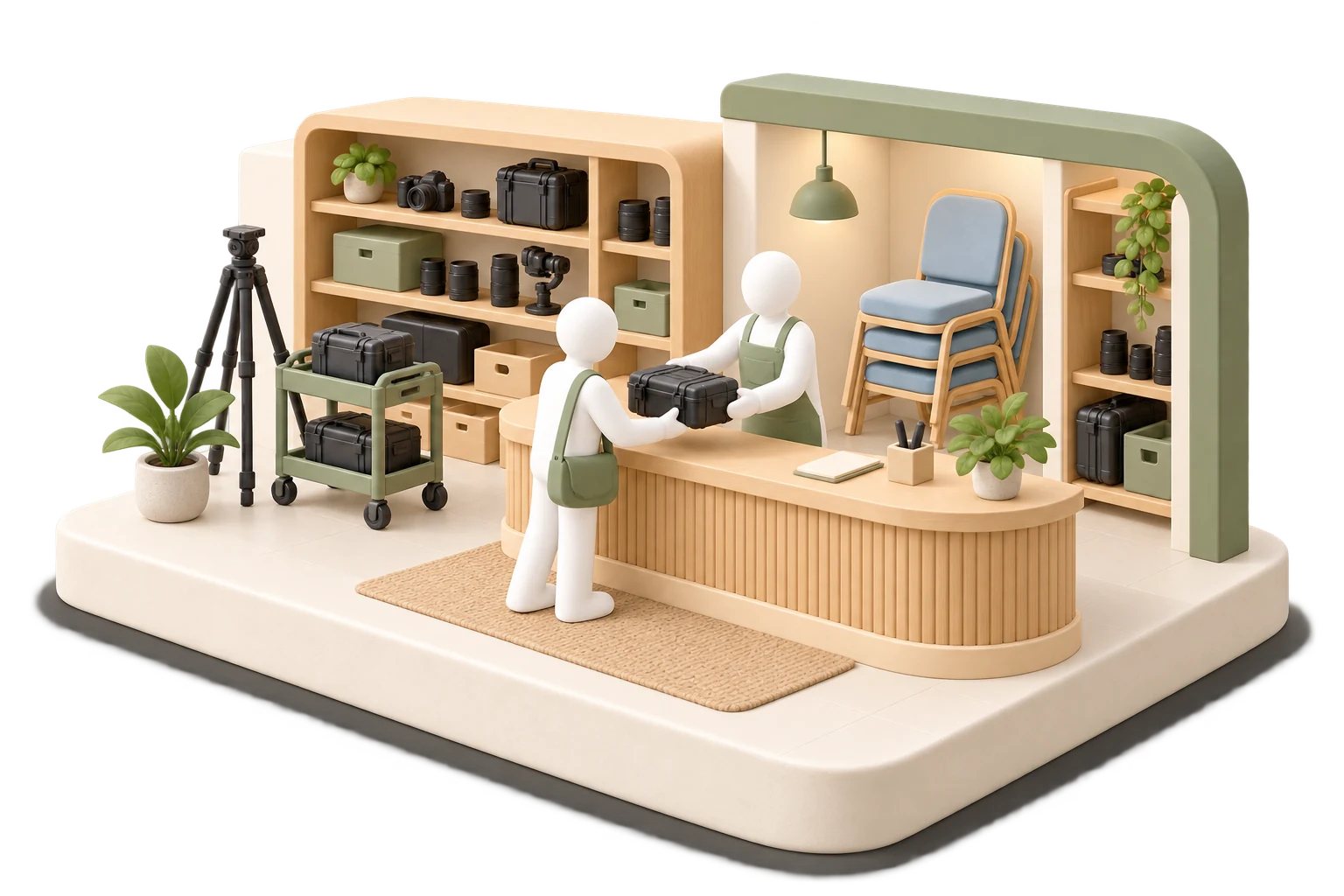
Prepare the rental handoff with the details attached.
Bring the customer, pickup time, return, quantity, included equipment, and handoff notes into the rental work order.
SRVZr · Example dataStart with your best sellers.
List the items that book most often first, test a full weekend order, then add packages like a party bundle.
See the commitments around the work.
The calendar puts workshops, consultations, sessions, and preparation time into a shared view of the week.
SRVZr · Example dataYour site. Your agents. Your way of working.
Build a website in Sites with a rental catalogue, package deals, and a check-availability button. Describe what you want to the AI and it edits real, editable code for you, so you can shape the pages without writing it yourself.
Give an agent a practical job: every Thursday, list this weekend's deliveries and draft confirmation messages with arrival windows. Choose a schedule or a supported trigger, review what it proposes, and pause it whenever you need.
Common questions
Can customers check availability online?
Yes. Rental items are booked for a date range, so customers see what's available before they order.
Can I take deposits?
Set up the pricing and deposit you need for each rental, and keep the balance on the same order.
Start with your next piece of work.
Choose one offer, make the site your own, and give an agent one clear task. Use the guides below to connect the pieces around the way your business works.
Open SRVZr
